


Up to ₹78,000 of your rooftop solar system can be paid by the central government — directly into your bank account. The PM Surya Ghar Muft Bijli Yojana is the largest residential solar scheme India has ever run, with lakhs of households already benefiting.
The catch? The application involves a national portal, your DISCOM, an empanelled vendor and an inspection — and small mistakes cause weeks of delay. This guide walks you through the exact process, the documents you need, and the errors that get applications rejected. (For subsidy amounts and eligibility, start with our complete Solar Subsidy Guide.
Documents You Need Before Starting
- Latest electricity bill (the connection must be in the applicant’s name)
- Aadhaar card (linked mobile number needed for OTP)
- Bank account details / cancelled cheque (this is where the subsidy lands)
- Proof of ownership of the property (as required by your DISCOM)
- Photographs of your roof (some DISCOMs ask at feasibility stage)
The 6-Step Application Process
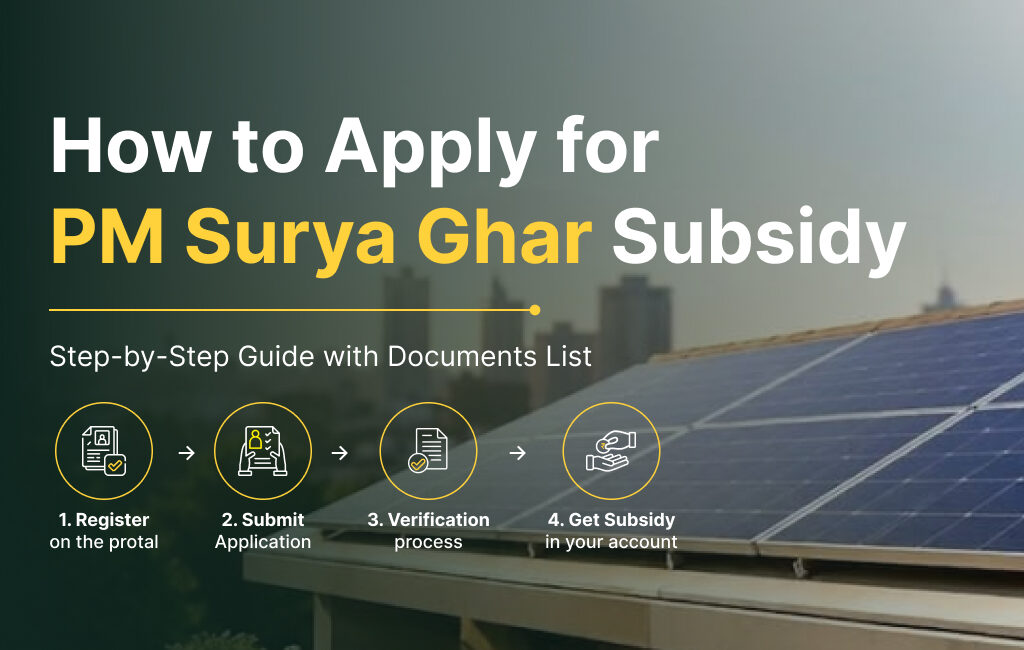
Step 1 — Register on the National Portal
Go to pmsuryaghar.gov.in and register with your state (Gujarat), DISCOM, consumer number, mobile and email. Your consumer number is on your electricity bill — enter it exactly as printed; mismatches are the #1 cause of stuck applications.
Step 2 — Apply for Rooftop Solar & Get Feasibility Approval
Log in and submit the application with your proposed system capacity. Your DISCOM (DGVCL/MGVCL/UGVCL/PGVCL or Torrent Power, depending on your area) reviews technical feasibility — checking your sanctioned load and transformer capacity. Approval typically takes 1–3 weeks.
Step 3 — Install Through an Empanelled Vendor
Installation must be done by a registered vendor using ALMM-approved modules — otherwise the subsidy is forfeited, no exceptions. This is where choosing your installer carefully matters: the vendor also uploads your technical documents. Praveg Solar handles this entire stage as a registered vendor, with Tier-1 ALMM-approved panels as standard.
Step 4 — Submit Installation Details & Apply for Net Meter
After installation, plant details and photos are uploaded on the portal and the net meter application goes to the DISCOM. The bi-directional meter records both what you import and what you export to the grid.
Step 5 — Inspection & Commissioning
The DISCOM inspects the installation, installs the net meter, and a commissioning certificate is generated on the portal.
Step 6 — Subsidy Lands in Your Bank Account
Submit your bank details on the portal against the commissioning report. The subsidy arrives via Direct Benefit Transfer — typically within about 30 days of commissioning, subject to DISCOM processing.
Realistic Timeline
|
Stage |
Typical Duration |
|
Portal registration + application |
1 day |
|
DISCOM feasibility approval |
1–3 weeks |
|
Installation (residential) |
1–2 days on site |
|
Inspection + net meter + commissioning |
1–3 weeks |
|
Subsidy DBT credit |
~30 days after commissioning report |
5 Mistakes That Delay or Kill Applications
- Consumer number or name mismatch between the bill and the application.
- Starting installation before feasibility approval — work done early can be disqualified.
- Using a non-empanelled installer or non-ALMM panels — subsidy forfeited.
- Bank account not in the applicant’s name, or wrong IFSC — DBT bounces.
- Incomplete photo/document uploads after installation, leaving the file pending silently.
Or: Skip All of This
Here’s the honest truth — you shouldn’t need a guide. When you go solar with Praveg, our team registers your application, tracks feasibility, installs with ALMM-approved Tier-1 components, manages the inspection and follows your DBT until the money is in your account. You share documents once; we do the rest. That service costs you nothing extra.
FAQs
Can I apply after installing solar?
No — registration and feasibility approval must come before installation. Retrospective applications are not accepted.
Is the subsidy available on off-grid or battery systems?
The central subsidy applies to grid-connected (on-grid) rooftop systems, calculated on solar PV capacity only — batteries don’t increase it.
How do I check my application status?
Log in at pmsuryaghar.gov.in with your registered mobile — status updates appear at each stage. If you’re a Praveg customer, our team tracks and reports it to you proactively.